

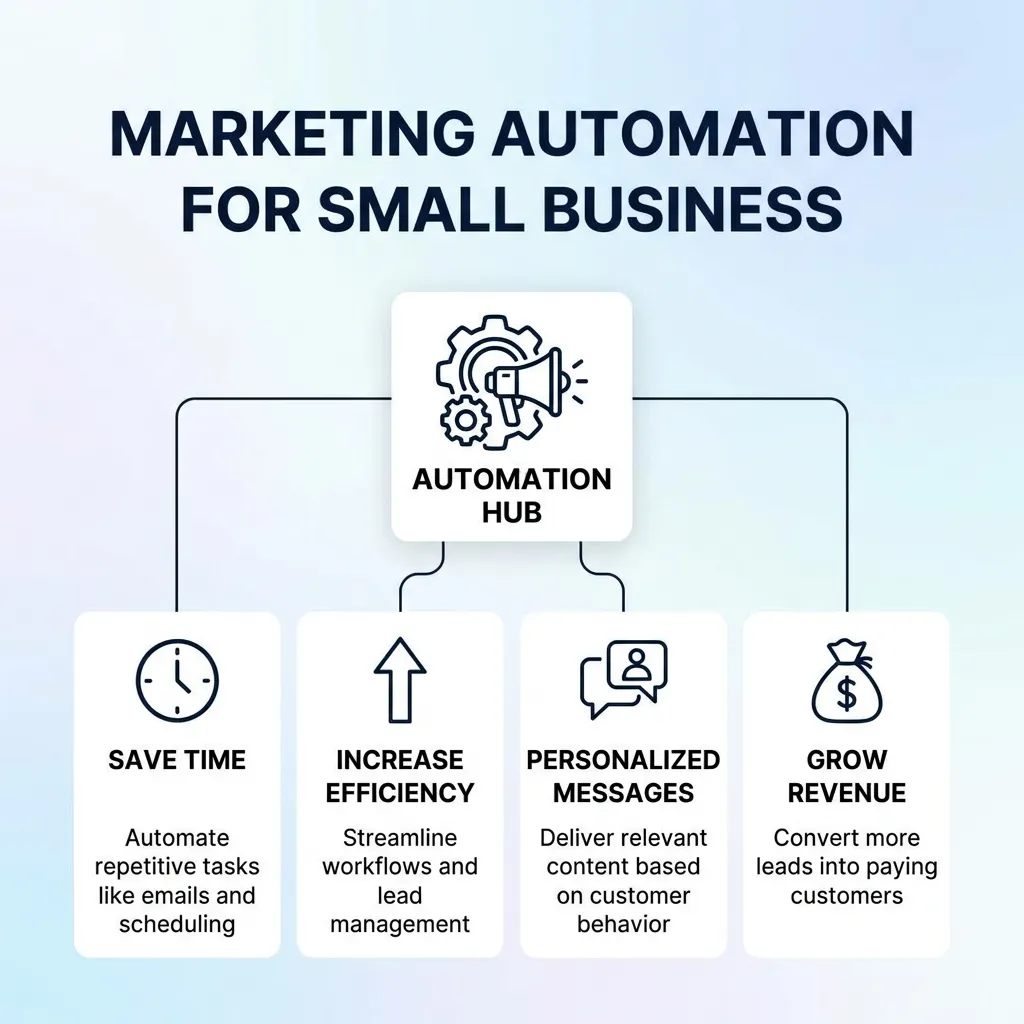
Marketing automation for small business helps companies save time, nurture leads, improve customer communication, and increase conversions without requiring a large marketing team. Instead of manually sending every email, following up with every prospect, or remembering every customer interaction, small businesses can use automation to create repeatable marketing processes.
For a small business, the biggest advantage is not simply sending more messages. It is delivering the right message to the right customer at the right stage of the buying journey.
With the right strategy, marketing automation can help a small team compete with larger businesses by improving efficiency, personalization, lead nurturing, and customer retention.
This guide explains how marketing automation works for small businesses, which tasks to automate, how to build workflows, what tools to consider, common mistakes to avoid, and how to measure results.
What Is Marketing Automation for Small Business?
Marketing automation for small business means using software and automated workflows to perform repetitive marketing activities with minimal manual effort.
These activities can include:
- Email marketing
- Lead nurturing
- Customer segmentation
- Follow-up messages
- Social media scheduling
- Lead scoring
- Welcome campaigns
- Abandoned-cart reminders
- Customer onboarding
- Promotional campaigns
- Re-engagement campaigns
- Performance reporting
For example, imagine a small online store receives a new subscriber.
Instead of manually sending a welcome email, a marketing automation system can:
- Add the subscriber to a specific audience.
- Send a welcome email.
- Wait two days.
- Send useful product information.
- Identify whether the customer clicked the email.
- Send a personalized offer.
- Notify the sales team when the lead shows strong buying intent.
The entire process can happen automatically.
For a broader overview, the existing Marketing Automation Complete Guide to Strategy provides the larger strategic foundation.
Why Small Businesses Need Marketing Automation
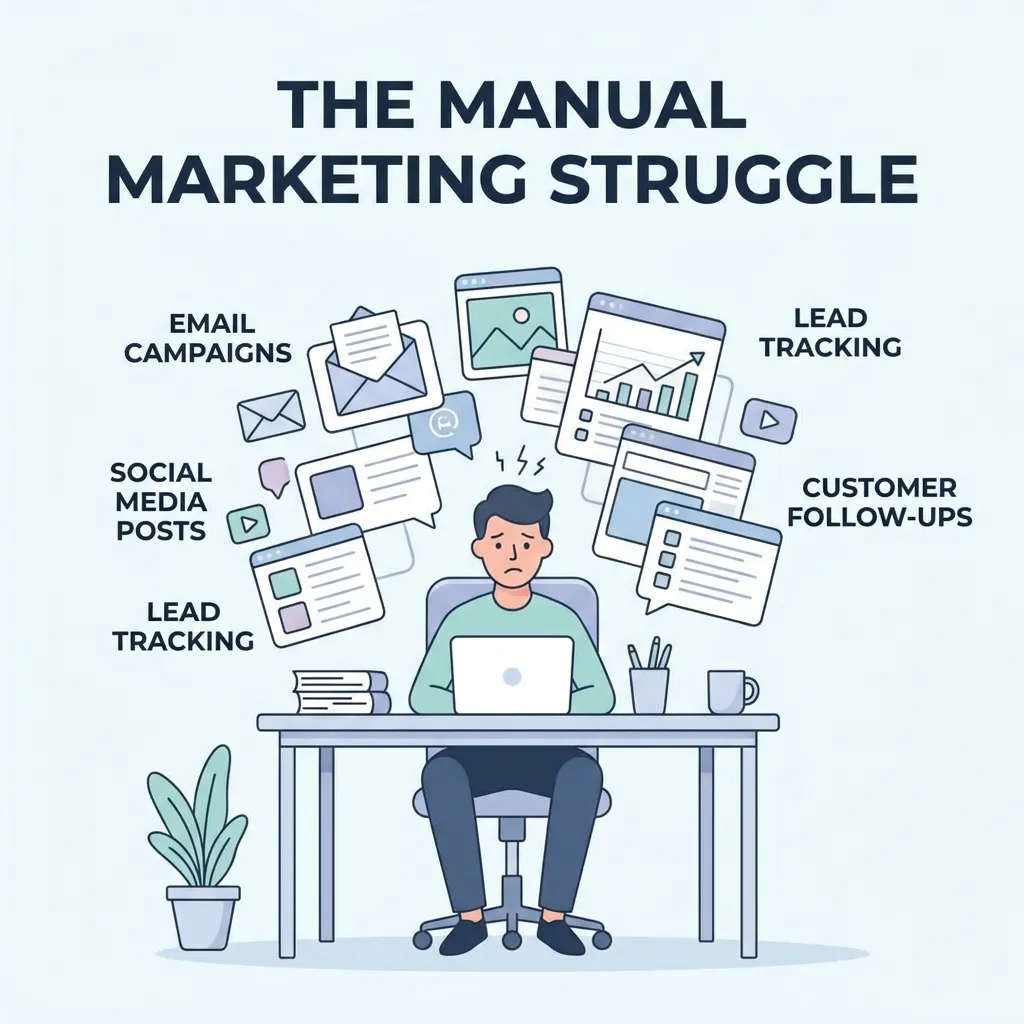
Small businesses often operate with limited staff, budgets, and time. Marketing automation can reduce repetitive work while creating more consistent customer communication.
Saves Valuable Time
One of the biggest benefits of automation is reducing repetitive marketing tasks.
Instead of manually sending the same messages repeatedly, businesses can create workflows that run automatically.
This allows business owners and marketers to spend more time on:
- Strategy
- Content creation
- Customer relationships
- Product development
- Sales
- Business growth
Improves Lead Follow-Up
A potential customer may show interest without immediately making a purchase.
Marketing automation allows businesses to continue communicating with that prospect instead of allowing the lead to disappear.
For example:
Website visitor → Lead magnet → Welcome email → Educational content → Product offer → Follow-up
This creates a structured nurturing process.
Enables Personalization
Automation does not have to mean generic communication.
Modern marketing automation platforms can use customer information and behavior to personalize messages.
A business can segment customers according to:
- Interests
- Purchase history
- Location
- Website activity
- Email engagement
- Customer lifecycle stage
- Product preferences
This makes automated communication more relevant.
Helps Small Teams Scale
Without automation, marketing workload often increases as the customer base grows.
Automation allows a small team to handle more customers without increasing manual work at the same rate.
This is particularly useful for businesses that are growing quickly.
What Can Small Businesses Automate?
Not every marketing activity needs automation. The best opportunities are usually repetitive tasks with predictable triggers and outcomes.
Email Marketing
Email automation is one of the most useful starting points for small businesses.
Businesses can automate:
- Welcome emails
- Lead nurturing
- Product recommendations
- Promotional campaigns
- Birthday messages
- Customer onboarding
- Re-engagement emails
- Post-purchase communication
For example, when someone downloads a guide from your website, an automated email sequence can begin immediately.
Lead Generation and Nurturing
Automation can capture leads and move them through different stages.
A simple workflow could look like:
Visitor → Subscriber → Marketing-qualified lead → Sales-qualified lead → Customer
Different messages can be triggered at each stage.
Customer Onboarding
Once someone becomes a customer, automation can continue the relationship.
An onboarding workflow might include:
- Thank-you email
- Getting-started instructions
- Product education
- Helpful resources
- Support information
- Feedback request
This helps customers understand the product and can improve their overall experience.
Social Media Scheduling
Small businesses can also automate parts of their social media workflow.
Scheduling tools can help businesses prepare posts in advance instead of publishing everything manually.
However, automation should not replace genuine engagement. Comments, questions, customer complaints, and conversations often require human responses.
Best Marketing Automation Workflows for Small Businesses
A workflow defines what happens when a customer performs a particular action.
The best workflows are simple, useful, and connected to specific business objectives.
Welcome Email Workflow
A welcome sequence can begin immediately after someone joins an email list.
A simple sequence might be:
Day 0: Welcome message
Day 2: Helpful educational content
Day 4: Product or service introduction
Day 7: Customer proof or case study
Day 10: Special offer or consultation invitation
The exact timing depends on the business and audience.
Abandoned Cart Workflow
For ecommerce businesses, abandoned-cart automation can remind shoppers about products they considered purchasing.
A workflow could include:
- Initial reminder
- Product benefit reminder
- Customer review
- Limited incentive when appropriate
The objective is to recover potentially lost sales without overwhelming the customer.
Lead Nurturing Workflow
Not every lead is ready to buy immediately.
A lead nurturing workflow can educate prospects over time.
For example:
Lead downloads guide → Educational email → Problem-focused content → Solution explanation → Case study → Offer
This approach is especially useful for businesses with longer sales cycles.
Re-Engagement Workflow
Some subscribers stop opening emails or interacting with a brand.
A re-engagement campaign can identify inactive customers and attempt to bring them back.
The workflow might include:
- Reminder email
- New-value message
- Special incentive
- Preference update
- List cleanup
Removing consistently inactive contacts can also improve overall email-list quality.
How to Build a Marketing Automation Strategy for Small Business
Successful automation starts with strategy rather than software.
Define a Business Goal
First determine what you want automation to accomplish.
Possible goals include:
- Generate more leads
- Increase sales
- Improve customer retention
- Reduce marketing workload
- Recover abandoned carts
- Increase repeat purchases
- Improve lead response time
A specific objective makes it easier to choose the right workflow.
Map the Customer Journey
Understand how customers interact with your business before and after purchasing.
A basic journey may look like:
Awareness → Interest → Consideration → Purchase → Retention → Advocacy
Identify where customers need information, reminders, or personalized communication.
Identify Repetitive Tasks
Look at your current marketing process and identify activities performed repeatedly.
Ask:
- What do we send manually?
- What do we repeat every week?
- Where do leads frequently get forgotten?
- Which customer interactions follow predictable patterns?
- Which reports take too much time?
These are potential automation opportunities.
Start Small
Small businesses do not need dozens of complex workflows immediately.
Start with one or two high-impact automations.
For example:
First: Welcome sequence
Second: Lead nurturing workflow
Third: Customer onboarding
Fourth: Re-engagement campaign
Once these are performing well, expand gradually.
Choosing Marketing Automation Software for Small Businesses
The best marketing automation software for small businesses should solve actual operational problems without creating unnecessary complexity.
Ease of Use
A small business may not have a dedicated automation specialist.
Look for software with:
- Visual workflow builders
- Simple campaign creation
- Easy segmentation
- Clear dashboards
- Helpful documentation
- Straightforward integrations
CRM Integration
Your marketing automation system should ideally work with your customer relationship management system.
CRM integration can help synchronize:
- Leads
- Contacts
- Customer activity
- Sales stages
- Campaign interactions
- Purchase information
This creates a more connected customer journey.
Email and Workflow Features
Check whether the platform supports the workflows your business actually needs.
Important capabilities may include:
- Automated email sequences
- Behavioral triggers
- Segmentation
- Lead scoring
- Conditional workflows
- Personalization
- A/B testing
Analytics and Reporting
Automation without measurement is difficult to improve.
Look for reporting that helps you understand:
- Open rates
- Click-through rates
- Conversion rates
- Leads generated
- Revenue
- Customer engagement
- Workflow performance
Scalability
Choose software that can support your business as it grows.
The cheapest option today may become expensive or restrictive if you quickly need more contacts, integrations, workflows, or users.
For marketers who need mobile access to automation campaigns, this marketing automation mobile apps guide from AppMarketo is also useful.
Marketing Automation Tools for Small Business
A small business does not necessarily need a large collection of marketing tools.
Instead, build a simple technology stack around your most important processes.
Email Automation Tools
Email automation platforms can manage:
- Subscribers
- Email sequences
- Segmentation
- Triggers
- Campaign analytics
These are often the easiest automation tools for a small business to adopt.
CRM Automation
CRM automation can help businesses manage lead and customer information.
For example, a lead can automatically move between stages based on actions or sales activity.
Social Media Automation
Social scheduling tools can automate publishing while leaving real-time engagement to humans.
Analytics Automation
Automated dashboards and reports can reduce the time spent collecting performance data manually.
A strong marketing system should make it easier to understand what is working without requiring hours of spreadsheet preparation.
Marketing Automation Best Practices for Small Businesses
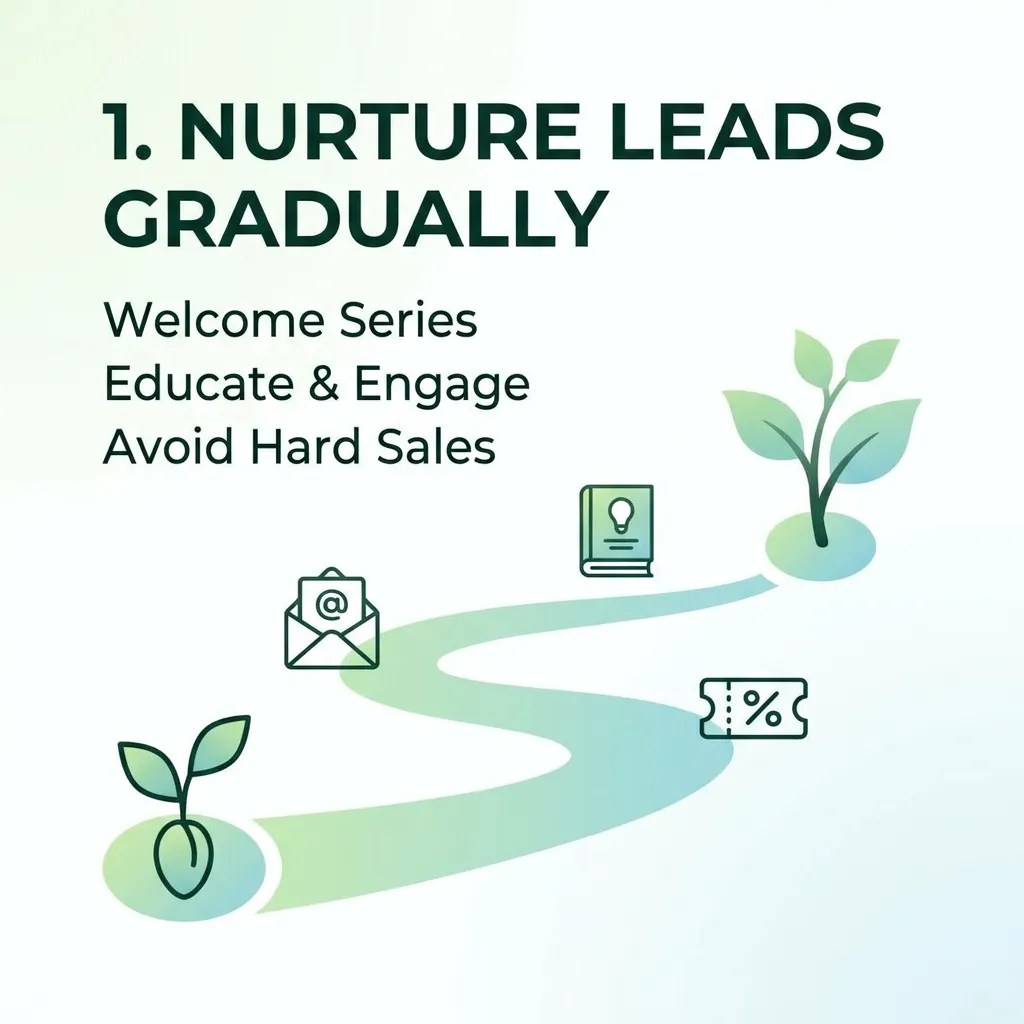
Automation can save time, but poor automation can create the opposite result.
Keep Customer Experience First
Do not automate communication simply because you can.
Every automated message should provide a clear benefit to the recipient.
Ask:
Would this message still be useful if a human had personally sent it?
If the answer is no, reconsider the workflow.
Avoid Excessive Messaging
Sending too many automated emails can cause:
- Unsubscribes
- Complaints
- Lower engagement
- Brand fatigue
Set reasonable frequency limits and monitor engagement.
Segment Your Audience
One message rarely works equally well for every customer.
Create useful segments based on meaningful differences in customer needs or behavior.
Personalize Carefully
Personalization can improve relevance, but excessive personalization can feel artificial.
Use customer information where it genuinely improves the message.
Review Automation Regularly
Automated workflows should not be created once and forgotten.
Review them periodically to identify:
- Outdated offers
- Broken links
- Poor-performing emails
- Incorrect triggers
- Redundant messages
- Low-converting steps
Maintain Human Interaction
Automation should support human relationships rather than eliminate them.
Sales conversations, complaints, complex questions, and important customer interactions often require human involvement.
How AI Is Changing Small Business Marketing Automation
AI is making marketing automation more adaptive and data-driven.
Instead of simply triggering a predefined message, AI-powered systems can help marketers analyze customer behavior and determine what content or action may be most appropriate.
AI-Powered Personalization
AI can analyze customer behavior to help businesses create more relevant experiences.
Examples include:
- Product recommendations
- Personalized content
- Dynamic email messaging
- Customer segmentation
- Predictive engagement
Predictive Lead Scoring
Traditional lead scoring may use fixed rules.
AI-based systems can analyze patterns across customer behavior to help identify leads that appear more likely to convert.
Automated Content Assistance
AI can assist marketers with:
- Email drafts
- Subject lines
- Content ideas
- Campaign variations
- Personalization suggestions
Human review should remain part of the process to maintain accuracy and brand voice.
Predictive Customer Retention
AI can also help identify customers who may be becoming less engaged.
Businesses can then create targeted retention or re-engagement campaigns.
Marketing Automation and CRM Integration
Connecting marketing automation with a CRM can significantly improve the flow of customer information.
For example:
Website activity → Lead captured → CRM record created → Automated nurturing → Sales notification → Deal closed
This reduces data silos and gives marketing and sales teams greater visibility into customer activity.
Benefits of CRM Integration
CRM integration can help businesses:
- Synchronize customer data
- Track lead activity
- Improve sales follow-up
- Segment customers
- Automate lead assignments
- Measure campaign influence
- Personalize communication
For a small business, integration becomes increasingly valuable as the number of leads and customers grows.
Measuring Marketing Automation Success
A successful automation program should be connected to measurable business outcomes.
Conversion Rate
Track how many recipients complete the desired action.
Examples include:
- Purchasing
- Booking a consultation
- Requesting a quote
- Scheduling a demo
- Downloading content
Customer Acquisition Cost
Compare marketing expenses with the number of customers acquired.
Automation can help reduce manual labor and potentially improve operational efficiency.
Customer Lifetime Value
Marketing automation is not only about acquiring customers.
Retention campaigns, personalized recommendations, and post-purchase communication can contribute to long-term customer value.
Email Engagement
Monitor:
- Open rates
- Click-through rates
- Unsubscribe rates
- Conversion rates
- Bounce rates
Avoid judging campaign success using open rates alone. Business outcomes are usually more meaningful.
Revenue Generated
Where tracking allows it, connect automated campaigns to revenue.
This helps answer the most important question:
Is the automation actually contributing to business growth?
A strong digital strategy should connect automation with broader marketing goals. This complete digital marketing strategy guide provides useful context for integrating automation into a wider strategy.
Common Marketing Automation Mistakes Small Businesses Should Avoid
Automating Everything Immediately
Trying to automate every marketing activity at once creates unnecessary complexity.
Start with high-impact processes.
Creating Complicated Workflows
Complex workflows can become difficult to understand and maintain.
Simple workflows are often easier to optimize.
Ignoring Data Quality
Incorrect or outdated customer data can lead to irrelevant automated communication.
Keep contact information and customer records organized.
Forgetting to Test Workflows
Always test automated campaigns before activating them.
Check:
- Trigger conditions
- Email timing
- Links
- Personalization
- Segmentation
- Mobile display
- Conversion tracking
Failing to Monitor Results
Automation does not mean “set it and forget it.”
Review campaign performance and improve workflows based on actual results.
A Simple Marketing Automation Plan for Small Businesses
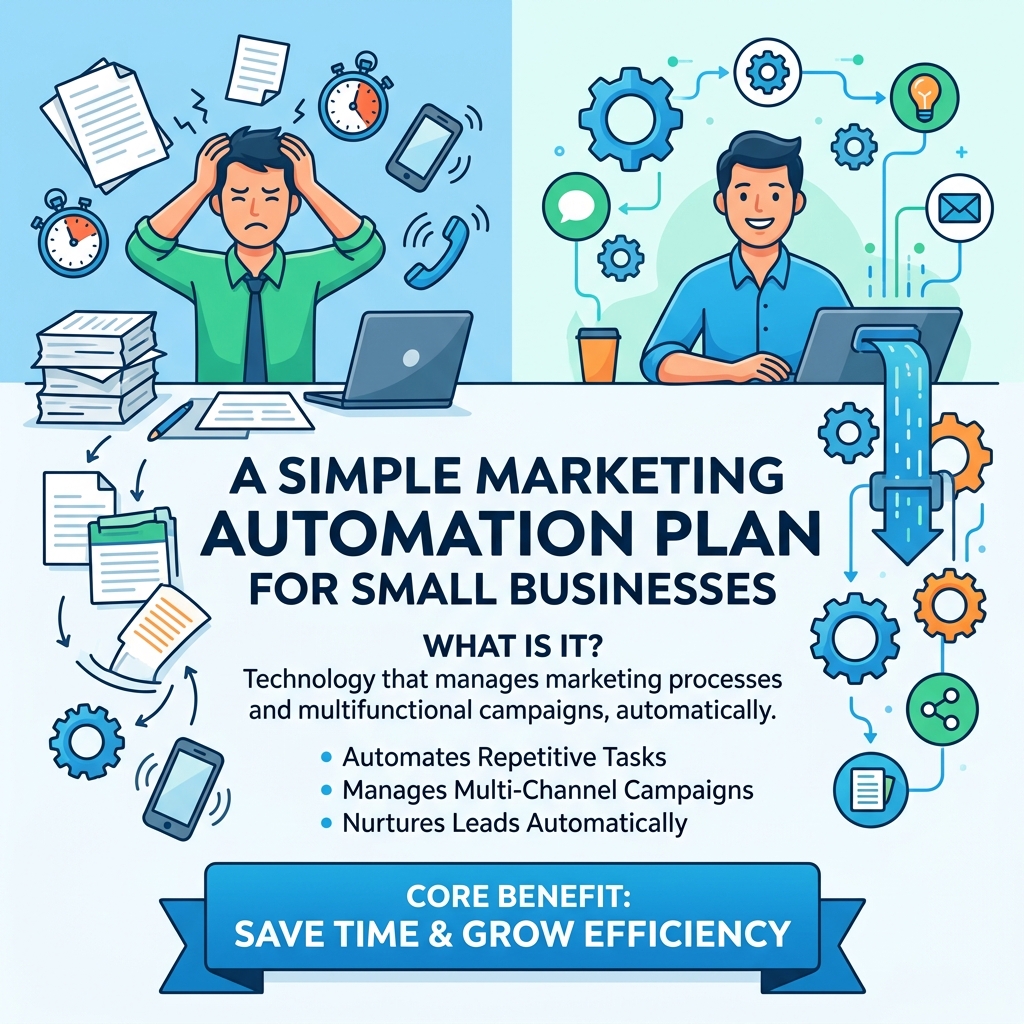
A practical implementation plan can look like this:
| Stage | Automation | Goal |
|---|---|---|
| 1 | Welcome sequence | Build initial engagement |
| 2 | Lead nurturing | Educate prospects |
| 3 | Sales notification | Improve follow-up |
| 4 | Customer onboarding | Improve experience |
| 5 | Post-purchase emails | Encourage retention |
| 6 | Re-engagement | Recover inactive customers |
| 7 | Reporting | Measure performance |
This gradual approach prevents a small team from becoming overwhelmed while creating a foundation for more advanced automation.
Conclusion
Marketing automation for small business is not about replacing marketing with software. It is about creating smarter systems that allow small teams to communicate with customers consistently while spending less time on repetitive tasks.
The best approach is to start with a clear business objective, identify repetitive processes, create simple workflows, integrate useful tools, and measure the results.
Begin with one high-value automation such as a welcome sequence or lead-nurturing campaign. Once it performs consistently, expand into customer onboarding, retention, re-engagement, CRM integration, and AI-powered personalization.
When automation is combined with thoughtful strategy and genuine customer value, even a small business can build a scalable marketing system that supports long-term growth.
Frequently Asked Questions About Marketing Automation for Small Business
Is marketing automation worth it for a small business?
Yes. Marketing automation can help small businesses save time, improve lead follow-up, personalize communication, and scale marketing activities without requiring a large team.
What is the best marketing automation for small businesses?
The best solution depends on business size, goals, budget, customer journey, and required integrations. Small businesses should prioritize ease of use, useful workflows, CRM integration, analytics, and scalability.
Can a small business use marketing automation without a marketing team?
Yes. Many automation platforms are designed to simplify campaign creation and workflow management, allowing business owners or small teams to automate repetitive activities.
What should a small business automate first?
A welcome email sequence, lead nurturing workflow, customer onboarding, or abandoned-cart campaign is often a practical starting point.
How much does marketing automation cost for a small business?
Costs vary depending on the platform, number of contacts, features, users, and required integrations. Businesses should evaluate total value rather than choosing software based only on the lowest subscription price.
Can marketing automation increase sales?
It can contribute to increased sales by improving lead nurturing, follow-up, personalization, customer retention, and conversion opportunities. Results depend on the quality of the strategy and execution.
Is email marketing part of marketing automation?
Yes. Email automation is one of the most common forms of marketing automation and can support welcome sequences, lead nurturing, promotions, onboarding, and retention.
Does marketing automation replace employees?
No. Automation is best used to reduce repetitive work and support employees. Human involvement remains important for strategy, creative decisions, sales conversations, customer support, and relationship building.
What is a marketing automation workflow?
A marketing automation workflow is a sequence of automated actions triggered by specific customer behaviors, conditions, or events.
Can marketing automation work with a CRM?
Yes. CRM integration allows marketing and sales data to move between systems, helping businesses track leads, personalize communication, and improve follow-up.
Is AI marketing automation useful for small businesses?
AI can be useful for small businesses by assisting with personalization, segmentation, predictive insights, content creation, and campaign optimization. The value depends on the quality of the data and implementation.
How do I know if my marketing automation is working?
Track business-focused metrics such as leads, conversions, revenue, customer retention, acquisition cost, and campaign engagement. Compare these results against the goals established before launching automation.





Comments (2)
Marketing Automation Strategy: Complete Guidesays:
September 3, 2026 at 11:43 am[…] additional small-business automation considerations, see the existing Marketing Automation for Small Business […]
Marketing Automation Platforms: The Complete Guidesays:
September 16, 2026 at 8:18 am[…] tool may quickly become limiting as a company scales. Reviewing options built specifically with smaller teams and budgets in mind is worth doing before assuming a larger, more expensive platform is automatically the safer […]