

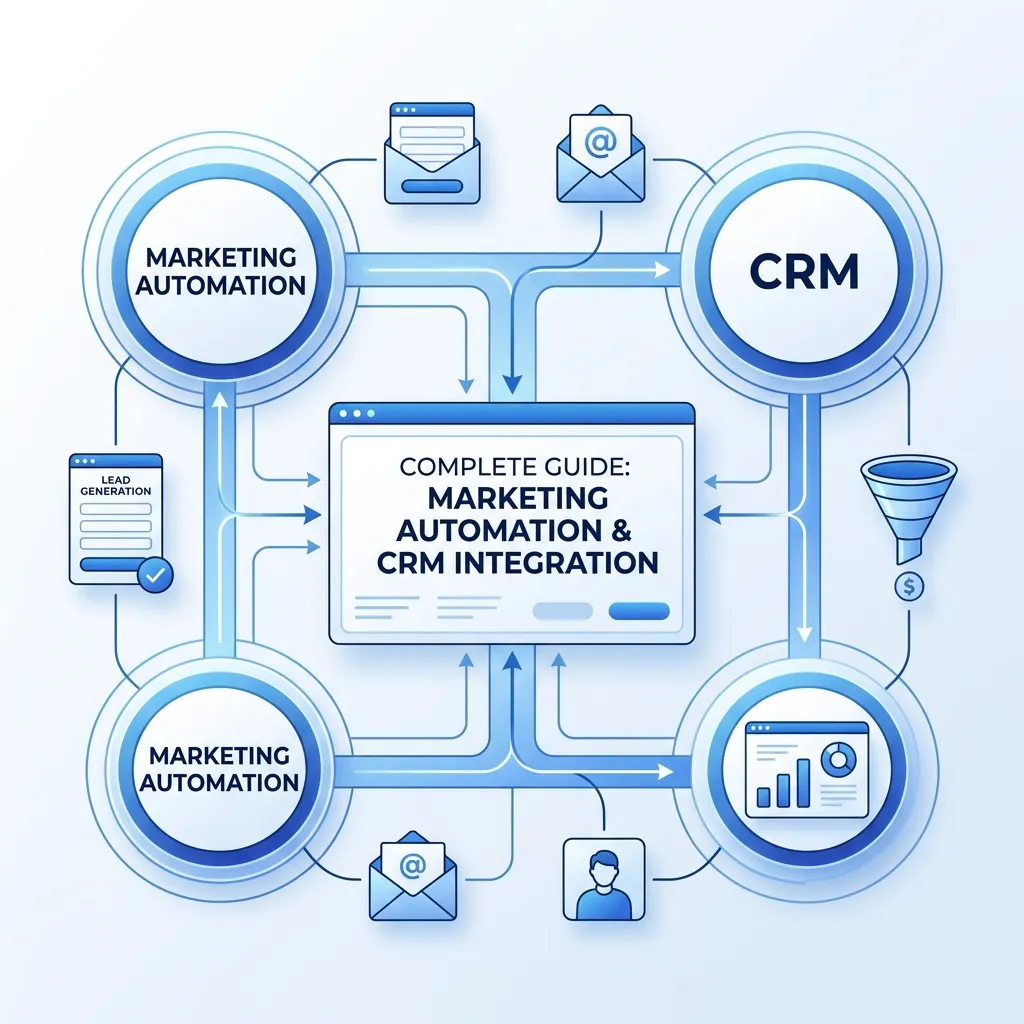
Marketing automation and CRM integration is the process of connecting your marketing platform with your customer relationship management system so that lead data, behavior, and sales activity flow between both tools automatically. Done well, it eliminates duplicate data entry, gives sales reps real-time visibility into marketing engagement, and lets marketing trigger campaigns based on actual CRM activity. This guide covers why this connection matters, the most common integration challenges, and a complete step-by-step framework for setting it up correctly.
Most companies run marketing automation and a CRM as two separate systems that were never designed to talk to each other cleanly. Marketing builds nurture sequences based on email clicks and form fills, while sales works out of a CRM that has no idea a lead just downloaded three whitepapers in one week. The result is duplicated effort, missed signals, and a sales team that’s often the last to know when a prospect is actually ready to buy.
Marketing automation and CRM integration solves this by creating a two-way flow of information between the platforms that manage campaigns and the platform that manages customer relationships. This guide walks through what that integration actually looks like in practice, why it matters more than most teams realize, and the concrete steps to set it up properly.
What Is Marketing Automation and CRM Integration?
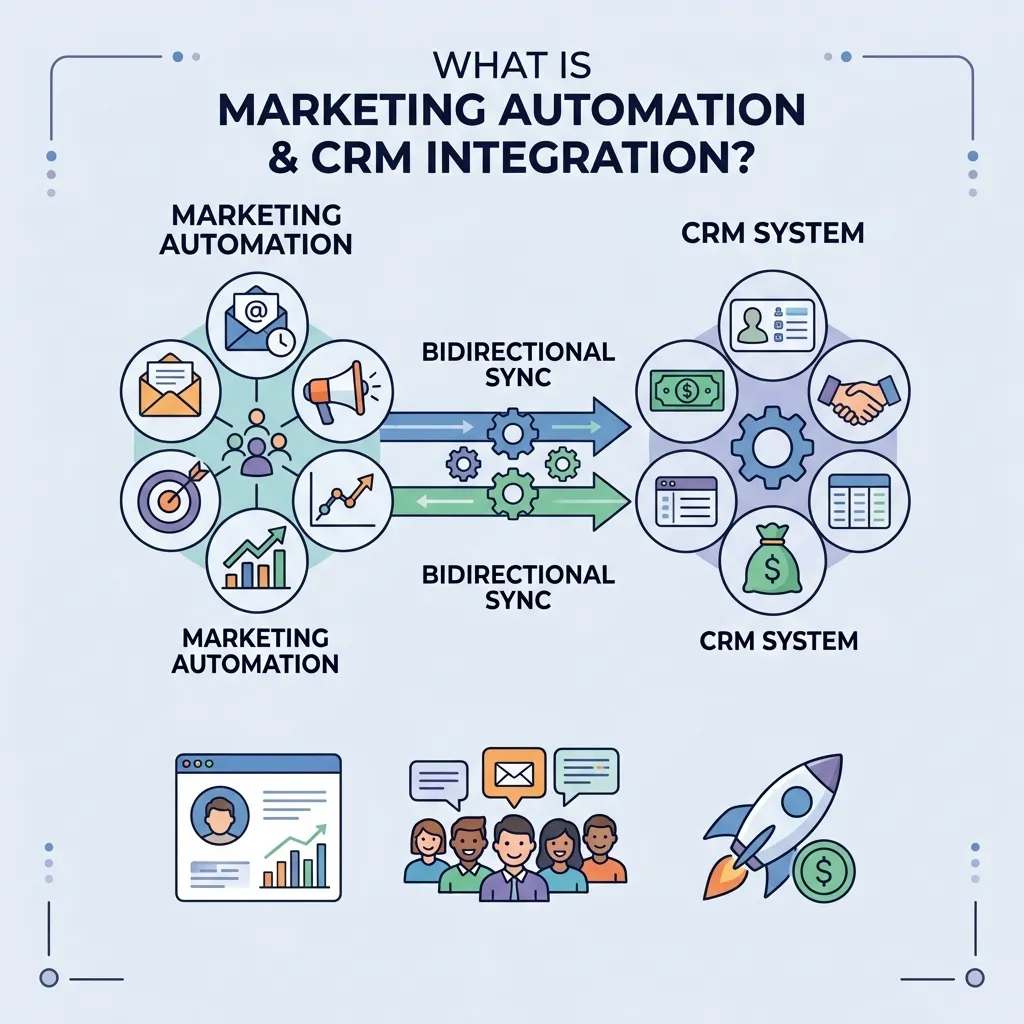
At its core, this integration means your marketing automation platform and your CRM share data continuously rather than living as separate silos. Lead activity captured by marketing — email opens, page visits, form submissions, content downloads — syncs into the CRM so sales reps can see it. In return, CRM data like deal stage, contact ownership, and closed-won status flows back into marketing so campaigns can adjust based on where a contact actually sits in the sales process.
This is different from simply exporting spreadsheets between tools once a week. Real integration means the two systems update each other automatically and in near real time, so neither sales nor marketing is ever working from stale information.
Why This Integration Matters
Connecting these two systems properly changes how both teams operate on a daily basis. A few of the most important benefits:
- It eliminates duplicate data entry. Reps no longer need to manually log activity that marketing systems already captured, and marketing doesn’t need to guess at deal outcomes sales already knows.
- It improves lead scoring accuracy. When CRM outcomes like closed-won or closed-lost data feed back into the automation platform, lead scoring models get sharper over time instead of relying on engagement signals alone.
- It shortens response times. Sales reps who see marketing engagement the moment it happens can follow up while interest is still fresh, rather than days later.
- It enables smarter automation. Campaigns can trigger or pause based on real CRM events — a deal moving to a new stage, an opportunity closing, a contact getting reassigned — instead of running blindly regardless of what’s happening in sales.
Common Integration Challenges
Even with the right intent, connecting these systems trips teams up in predictable ways. Data field mismatches are one of the most frequent issues — a “lead status” field that means one thing in the CRM and something entirely different in the automation platform creates confusion the moment data starts flowing both directions. Duplicate records are another common problem, especially when both systems allow contacts to be created independently rather than always checking for an existing match first.
Ownership and permissions can also get messy. Without clear rules about which system is the source of truth for a given field, teams end up with conflicting data depending on which platform last updated it. Getting ahead of these issues before the integration goes live saves significant cleanup work later.
The Complete Framework: Setting Up Marketing Automation and CRM Integration
Here is a practical, step-by-step approach to connecting these two systems correctly.
Step 1: Audit Your Current Data and Fields
Before connecting anything, map out every field that exists in both systems and identify overlaps, mismatches, and gaps. This audit reveals where naming conventions differ and where one system tracks something the other doesn’t, both of which need to be resolved before the sync goes live.
Step 2: Decide Which System Owns Which Data
For every shared field, designate one platform as the source of truth. Typically, the CRM owns deal stage, ownership, and revenue data, while the automation platform owns engagement scoring and campaign activity. Having this decided upfront prevents the two systems from overwriting each other’s updates.
Step 3: Choose Your Integration Method
Most platforms offer a native integration, a connector through a middleware tool, or a custom API connection. Native integrations are usually the fastest to set up and the easiest to maintain, while custom API work makes sense only when your data model has requirements neither native option supports. Our guide on building a marketing automation strategy covers how to evaluate this decision as part of a broader platform strategy.
Step 4: Map Lead Lifecycle Stages Across Both Systems
Marketing and sales often define stages like “MQL” or “SQL” differently. Aligning these definitions before the integration goes live prevents leads from getting stuck in a stage that means something different to each team, which is one of the most common sources of friction after a new integration launches.
Step 5: Set Up Bi-Directional Syncing for Key Fields
Configure the sync so that critical fields — contact details, engagement scores, deal status — update in both directions rather than flowing one way only. A one-way sync from marketing to CRM leaves sales blind to feedback, while a one-way sync the other direction leaves marketing unable to react to what’s actually happening in the pipeline.
Step 6: Build Automated Workflows Around CRM Triggers
Once the data is flowing reliably, connect your automation workflows to real CRM events. A deal moving to “closed-lost” can automatically enroll a contact into a win-back nurture sequence, while a deal moving to “closed-won” can trigger an onboarding or advocacy sequence instead of a sales-focused one. Our complete guide to marketing automation workflows walks through building sequences that respond to this kind of real-time trigger.
Step 7: Train Both Teams on the New Data Flow
An integration is only as good as the teams using it correctly. Sales reps need to understand what marketing data now appears in their CRM and how to act on it, while marketing needs to understand what CRM fields now influence campaign logic. Skipping this step is one of the fastest ways to see an otherwise well-built integration go unused.
Step 8: Monitor, Audit, and Refine Regularly
Integrations drift over time as new fields get added, campaigns change, or sales processes evolve. Schedule a regular audit — quarterly is common — to check for duplicate records, broken field mappings, or workflows triggering incorrectly. Our guide to marketing automation best practices includes a useful checklist for this kind of ongoing maintenance.
How CRM Data Improves Lead Nurturing
One of the most immediate benefits of a properly integrated stack is smarter lead nurturing. Instead of nurturing every contact through the same generic sequence, marketing can build tracks based on real CRM signals — deal stage, past purchase history, or a rep’s notes on specific objections. This mirrors a principle covered in webinarmarketo’s guide to webinar lead nurturing, where the most effective nurture sequences respond to actual buyer signals rather than treating every lead identically regardless of where they sit in the funnel.
Measuring Whether the Integration Is Working
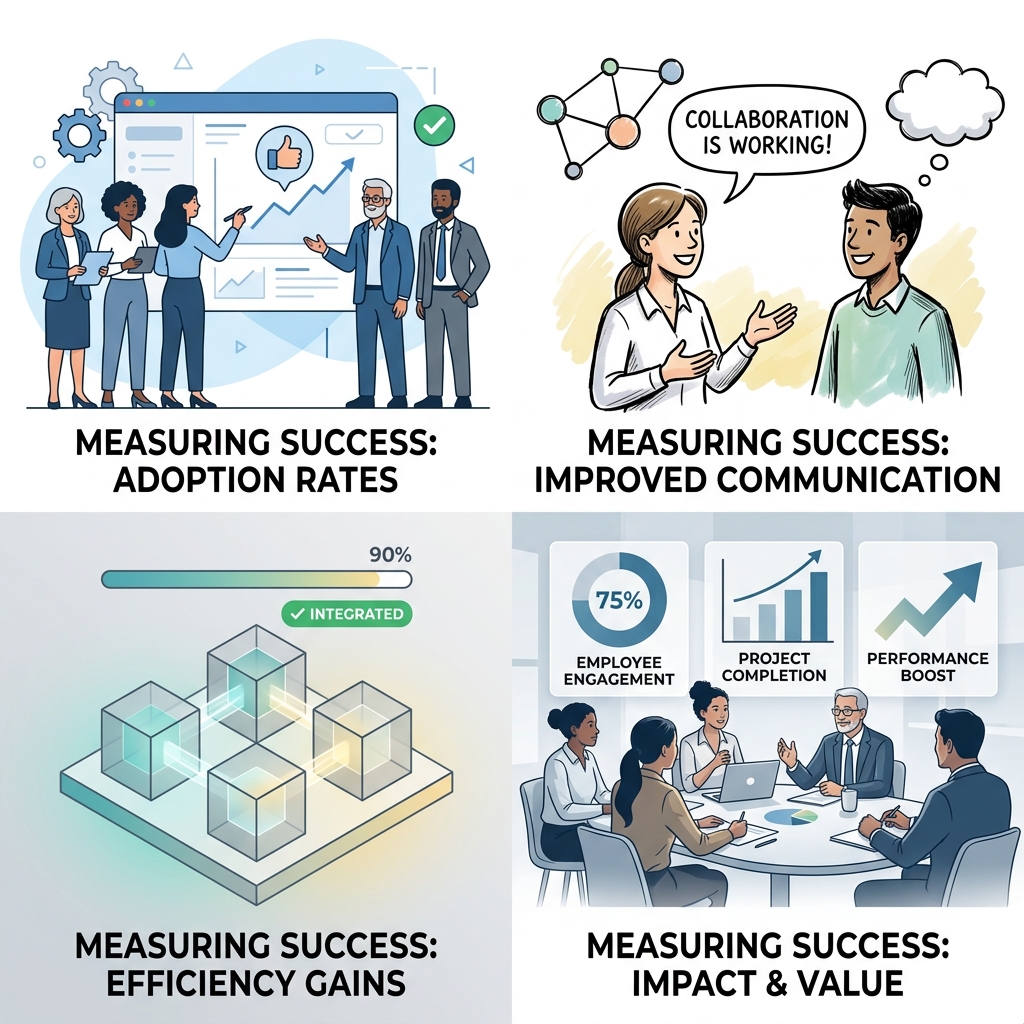
A successful integration should show up in a handful of measurable outcomes: shorter lead response times, fewer duplicate contact records, more accurate lead scoring, and closer alignment between what marketing reports as pipeline influence and what sales confirms actually closed. If these numbers aren’t improving a few months after launch, it’s worth revisiting the field mapping and workflow logic rather than assuming the integration itself was a mistake.
Treating integration health as an ongoing metric rather than a one-time project milestone is a mindset that applies well beyond martech. The same discipline shows up in vidpromot’s guide to video marketing metrics, which makes a similar point about tracking the right numbers consistently rather than checking performance once and moving on.
Common Mistakes to Avoid
- Connecting systems before cleaning the data. Syncing messy, duplicate-heavy data just moves the mess into two systems instead of one.
- Skipping the lifecycle stage alignment step. Mismatched definitions between sales and marketing create confusion that undermines trust in the integration.
- Building one-way syncs by default. This leaves one team working with outdated information regardless of which direction is missing.
- Never revisiting the setup after launch. Integrations that aren’t audited periodically slowly drift out of sync as both platforms evolve.
- Underinvesting in team training. Even a technically perfect integration fails if the people using it daily don’t understand what changed.
Conclusion
Marketing automation and CRM integration turns two disconnected systems into a single source of truth that both sales and marketing can rely on. Start by auditing your data, deciding which platform owns which fields, and choosing the right integration method for your stack. Align lifecycle stage definitions, build bi-directional syncs for the fields that matter most, and connect your automation workflows to real CRM triggers rather than running campaigns blind to what’s happening in the pipeline. Train both teams, monitor the setup regularly, and treat integration health as an ongoing responsibility rather than a one-time project. Done right, this connection becomes one of the highest-leverage improvements a revenue team can make to how sales and marketing actually work together.
Frequently Asked Questions
1. What is marketing automation and CRM integration?
It’s the process of connecting a marketing automation platform with a CRM so that lead activity, engagement data, and sales information flow between both systems automatically.
2. Why do sales and marketing teams need this integration?
Without it, sales works from outdated or incomplete information about lead engagement, while marketing has no visibility into what’s actually happening in the sales pipeline.
3. What data typically flows between a CRM and a marketing automation platform?
Common fields include contact details, email and content engagement, lead scores, deal stage, and closed-won or closed-lost outcomes.
4. Should the sync be one-way or two-way?
Two-way syncing is almost always the better choice, since it keeps both marketing and sales working from current information rather than one team relying on stale data.
5. What’s the most common mistake when setting up this integration?
Connecting systems before auditing and cleaning the underlying data is a common mistake, as it usually just duplicates existing data problems across both platforms.
6. How long does a typical integration take to set up?
It depends on the complexity of your data model, but a straightforward native integration can often be configured in days, while custom API work may take several weeks.
7. Can small businesses benefit from this kind of integration?
Yes. Even simple integrations that sync basic contact and engagement data can meaningfully reduce manual work and improve lead follow-up for smaller teams.
8. How does CRM data improve marketing automation?
CRM outcomes like closed deals or lost opportunities let automation platforms refine lead scoring and personalize nurture sequences based on real sales results, not just engagement alone.
9. What happens if lifecycle stage definitions don’t match between systems?
Leads can get stuck in a stage that means something different to each team, creating confusion about who owns follow-up and when a lead is actually ready for sales.
10. How often should an integration be audited after launch?
A quarterly review is common practice, checking for duplicate records, broken field mappings, and workflows that may be triggering incorrectly.
11. Does this integration require ongoing maintenance?
Yes. As both platforms evolve and new fields or workflows get added, periodic audits are needed to keep the sync accurate and prevent drift.
12. What’s the biggest sign an integration is actually working?
Faster lead response times, fewer duplicate records, and closer agreement between marketing’s reported pipeline influence and what sales confirms actually closed.






Comments (3)
Best Marketing Automation Software: The Complete Guidesays:
September 15, 2026 at 9:42 am[…] system rather than requiring separate tools stitched together through integrations. Our guide on marketing automation and CRM integration covers what to look for in this kind of connected setup regardless of which specific platform you […]
Marketing Automation Platforms: The Complete Guidesays:
September 16, 2026 at 6:53 am[…] CRM integration means sales teams see the same behavioral and engagement history that marketing does, reducing the […]
Social Media Listening Strategy: Complete Business Guidesays:
October 29, 2026 at 9:37 am[…] with marketing campaigns can improve personalization and follow-up communication. This is where marketing automation and CRM integration becomes relevant, helping teams connect customer interactions with organized records and more […]