

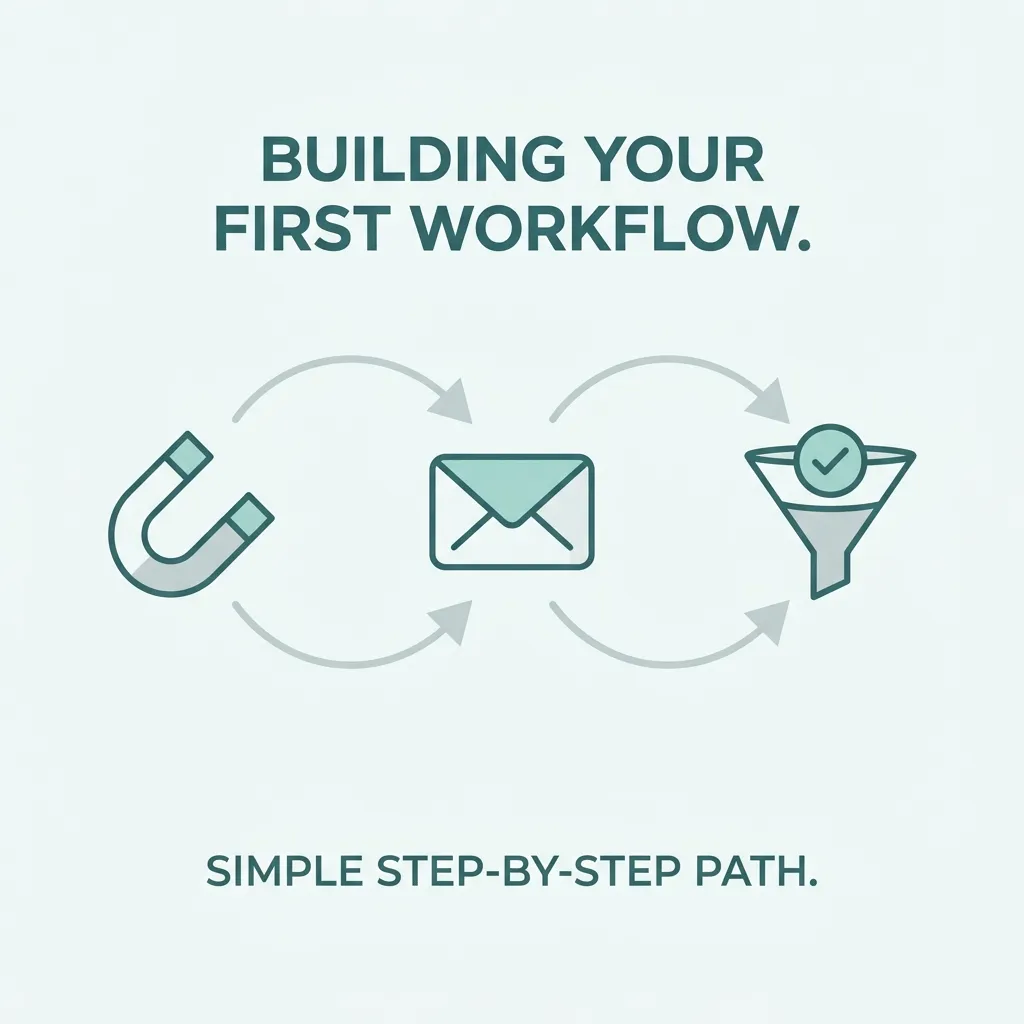
Most businesses start out sending marketing emails manually — a newsletter here, a follow-up there, whenever someone remembers to do it. That approach breaks down fast as a business grows, which is exactly why a proper marketing automation workflow becomes essential. Instead of relying on someone remembering to follow up, a marketing automation workflow does it automatically, consistently, and at exactly the right moment based on what a customer does.
In this guide, we’ll walk through what a marketing automation workflow actually is, the most common types used across industries, and a practical framework for building your own. If you’re new to the broader concept first, our external primer on what marketing automation is is a good starting point before diving into workflow design specifically.
What Is a Marketing Automation Workflow?
A marketing automation workflow is a predefined sequence of actions — emails, SMS messages, tags, notifications, or scoring changes — triggered automatically based on a specific customer behavior or condition. Rather than a marketer manually deciding when to send each message, a marketing automation workflow handles that decision-making in advance, reacting instantly to whatever a customer does.
For example, a simple marketing automation workflow might look like this: a visitor downloads a free guide, which triggers a welcome email, followed by a related content email three days later, followed by a special offer a week after that — all without anyone manually sending a single message.
Why Every Business Needs a Marketing Automation Workflow
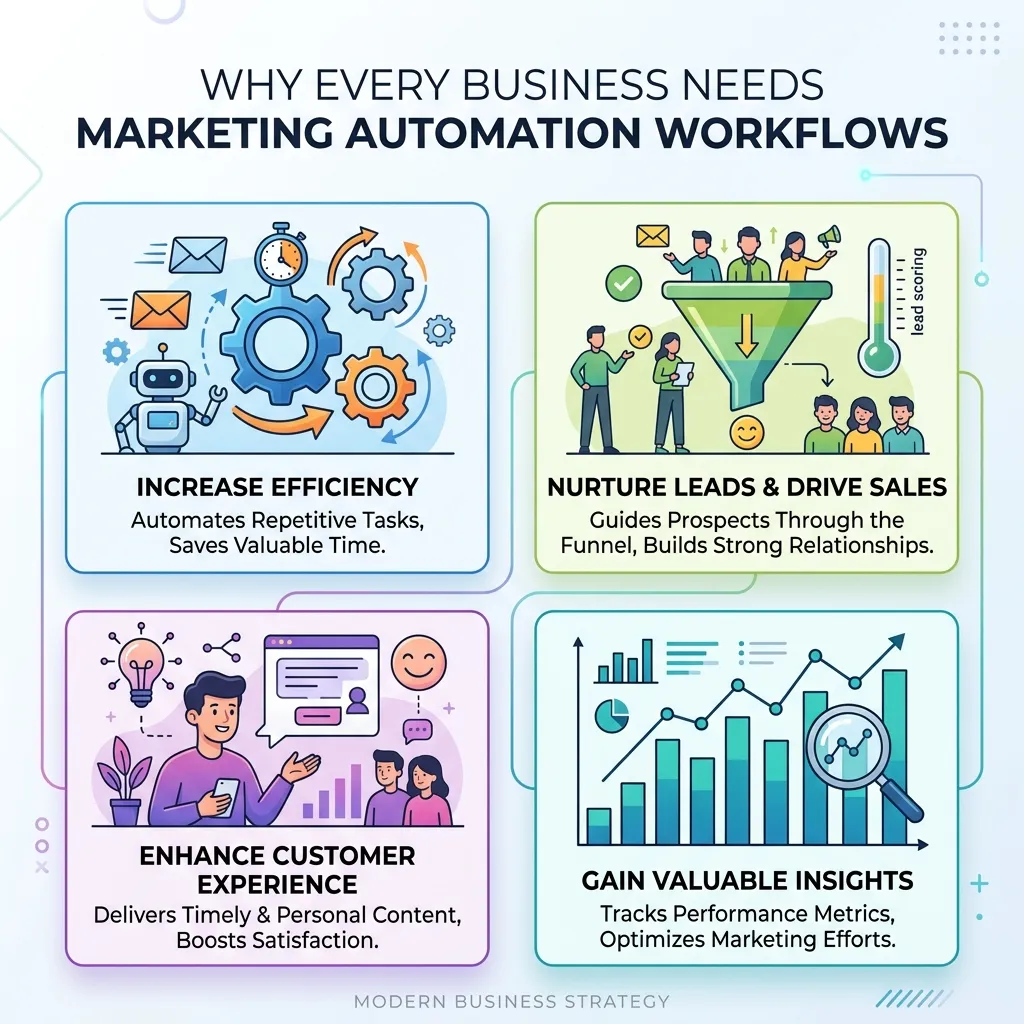
Building a marketing automation workflow isn’t just about saving time, though that’s a major benefit. A well-structured marketing automation workflow also improves consistency, since every lead receives the same high-quality follow-up experience regardless of how busy the sales or marketing team is on a given day. It improves timing, reacting to customer behavior within seconds rather than whenever a person gets around to it. And it improves personalization at scale, since a marketing automation workflow can branch differently depending on what a specific customer does or doesn’t do.
Core Components of a Marketing Automation Workflow
Every marketing automation workflow, regardless of complexity, is built from the same basic building blocks:
Triggers
A trigger is the event that starts a marketing automation workflow — a form submission, a purchase, a page visit, an abandoned cart, or a specific date like a subscription renewal. Choosing the right trigger is the foundation of any effective marketing automation workflow, since it determines exactly when the entire sequence begins.
Conditions and Branching
Good workflows rarely follow a single straight path. Conditions allow a marketing automation workflow to branch based on customer behavior — for example, sending a different follow-up email to someone who opened the first message versus someone who didn’t, or diverting a lead to a sales team notification if they show high purchase intent.
Actions
Actions are what actually happens within the workflow: sending an email, adding a tag, updating a CRM field, notifying a sales rep, or waiting a set number of days before the next step. A marketing automation workflow is essentially a chain of these actions connected by triggers and conditions.
Goals and Exit Conditions
Every marketing automation workflow should have a clear goal — a purchase, a booked call, a completed signup — and a way to exit the sequence once that goal is met, so customers don’t keep receiving irrelevant follow-up messages after they’ve already converted.
Common Types of Marketing Automation Workflows
While every business’s needs differ, most marketing automation workflow strategies fall into a handful of proven categories.
Welcome Series Workflow
Triggered when someone joins an email list or creates an account, this marketing automation workflow introduces the brand, sets expectations, and often includes an early incentive to make a first purchase. It’s typically one of the highest-performing workflows a business can set up, since new subscribers are most engaged in the first few days.
Abandoned Cart Workflow
One of the most valuable examples of a marketing automation workflow in e-commerce, this sequence triggers when someone adds a product to their cart but doesn’t complete checkout. A well-timed reminder, sometimes paired with a small incentive, can recover a meaningful percentage of otherwise lost sales.
Lead Nurturing Workflow
For businesses with longer sales cycles, a lead nurturing marketing automation workflow gradually delivers educational content over time, warming up a prospect before a sales conversation ever happens. This type of workflow often includes lead scoring, where engagement with each email increases a lead’s score until they’re automatically flagged as sales-ready.
Re-Engagement Workflow
When a customer or subscriber goes quiet, a re-engagement marketing automation workflow attempts to win back their attention, often through a special offer, a check-in message, or a request for feedback. This type of workflow protects list health by identifying and either re-engaging or removing inactive contacts over time.
Post-Purchase Workflow
After a sale, a post-purchase marketing automation workflow can request a review, suggest complementary products, or provide helpful onboarding content — turning a single transaction into the start of a longer customer relationship rather than a one-time interaction.
Event-Based Workflow
Triggered by webinar signups, event registrations, or appointment bookings, this marketing automation workflow handles reminders, follow-up content, and post-event nurturing automatically, reducing no-shows and keeping attendees engaged after the event ends.
How to Build a Marketing Automation Workflow Step by Step
Designing an effective marketing automation workflow doesn’t require guesswork if you follow a structured process:
- Define the goal. Every marketing automation workflow should start with a clear outcome in mind — a sale, a booked demo, a completed onboarding step.
- Choose the trigger. Decide exactly what action or condition should start the workflow.
- Map the customer journey. Sketch out what different customers might do at each stage, and plan branches for each likely path.
- Write the content. Draft the emails, messages, or notifications for each step, keeping tone and timing aligned with where the customer is in their journey.
- Set timing and delays. Decide how long to wait between each step, since sending too quickly can feel aggressive while waiting too long can lose momentum.
- Add exit conditions. Make sure the marketing automation workflow stops appropriately once the goal is achieved or the lead is no longer relevant.
- Test before launching. Run through the workflow as a test contact to catch broken links, awkward timing, or logic errors before it goes live.
- Monitor and optimize. Review open rates, click rates, and conversion data regularly, adjusting timing or content where performance lags.
Tools Commonly Used to Build a Marketing Automation Workflow
Most modern marketing platforms include visual workflow builders that let marketers map out a marketing automation workflow without needing to write code — using drag-and-drop triggers, conditions, and actions connected on a canvas. These platforms typically integrate with a CRM, e-commerce platform, or website analytics tool, allowing the workflow to react to real customer data in real time. For a broader comparison of automation versus manual email approaches, see our external resource on email marketing vs marketing automation, which explains when full automation is worth the setup investment.
Measuring the Success of a Marketing Automation Workflow
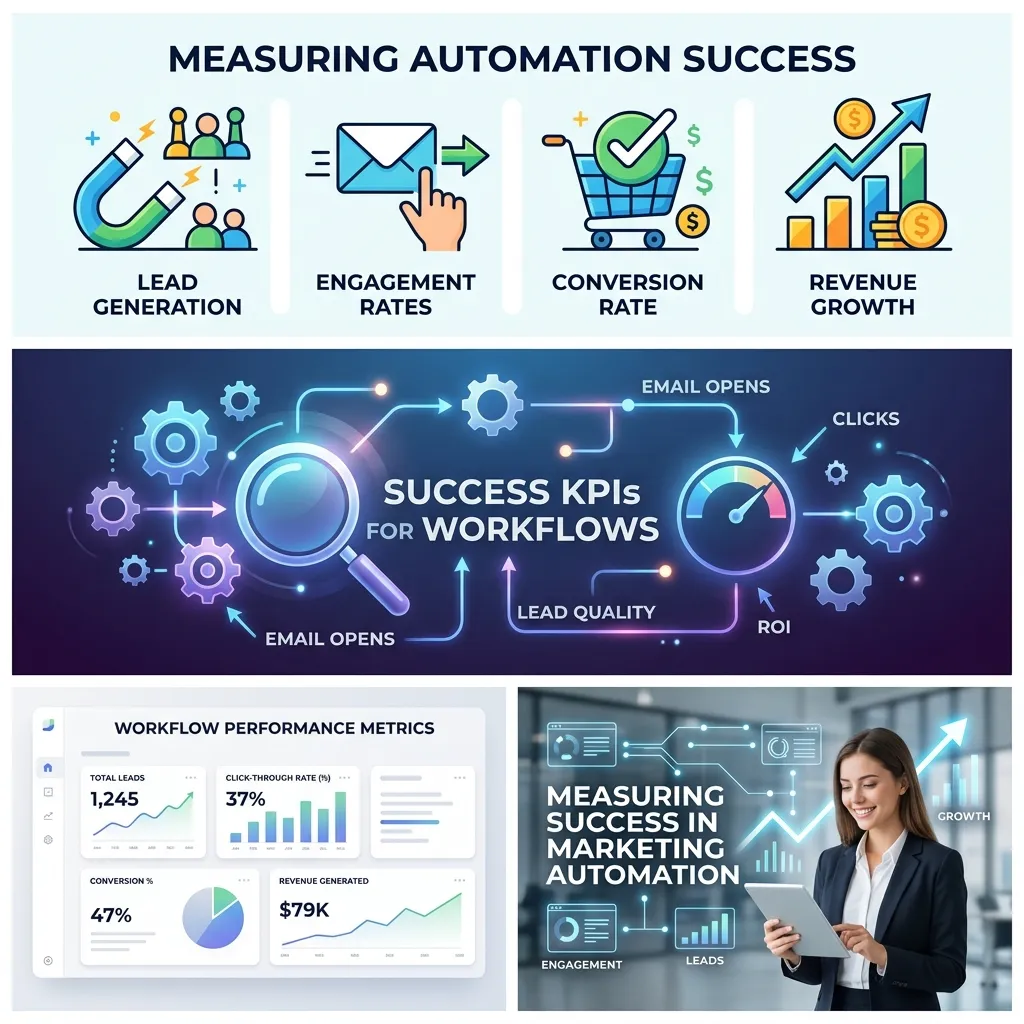
A marketing automation workflow is only valuable if it’s actually improving results, so tracking the right metrics matters. Key indicators include:
- Open and click-through rates for each step in the sequence
- Conversion rate toward the workflow’s defined goal
- Drop-off points, showing exactly where contacts stop engaging
- Revenue attributed to the workflow, particularly for e-commerce and sales-driven sequences
- List health metrics, such as unsubscribe and bounce rates, which can signal timing or content issues
Reviewing these metrics regularly allows a marketing automation workflow to be refined over time rather than left running unchanged indefinitely.
Common Mistakes When Building a Marketing Automation Workflow
Even experienced marketers run into avoidable problems when designing a marketing automation workflow:
- Making the workflow too rigid, with no branching for different customer behaviors
- Sending too frequently, overwhelming contacts and increasing unsubscribe rates
- Forgetting exit conditions, so customers keep receiving messages after they’ve already converted
- Writing generic content that doesn’t reflect the specific trigger or stage the contact is in
- Never reviewing performance data, leaving an underperforming workflow running unchanged for months or years
Marketing Automation Workflows Across Different Business Types
The exact shape of a marketing automation workflow varies significantly depending on business model. E-commerce brands lean heavily on abandoned cart and post-purchase workflows, since purchase behavior generates clear, immediate triggers. B2B companies with longer sales cycles rely more on lead nurturing and scoring-based workflows that gradually build trust over weeks or months. Subscription and membership businesses often build renewal and retention-focused workflows designed to reduce churn before a cancellation happens. Understanding which workflow types matter most for your specific business model is often more valuable than trying to implement every possible workflow at once.
Combining AI With Marketing Automation Workflows
Modern marketing automation workflow tools increasingly incorporate predictive elements, using AI to determine optimal send times, predict which leads are most likely to convert, or even generate personalized subject lines automatically. This shift mirrors broader trends in AI-powered trend forecasting, where predictive data is used to anticipate customer behavior rather than simply reacting to it after the fact. As these capabilities mature, a marketing automation workflow can become increasingly proactive — adjusting timing and content dynamically based on what’s most likely to resonate with each individual contact.
A Real-World Example Walkthrough
To make this more concrete, here’s how a simple marketing automation workflow might play out for an online course business:
A visitor downloads a free lesson from the website, which triggers the first step of the workflow: a welcome email delivering the lesson along with a short introduction to the instructor. Two days later, if the contact opened that first email, the workflow branches into a path that shares a related success story from a past student. If they didn’t open it, a different branch resends the same offer with a new subject line instead of moving forward, since there’s little value in advancing someone who hasn’t engaged yet.
By day five, contacts who clicked through to view course details are tagged as “high intent” and moved into a shorter, more sales-focused sequence, including a limited-time enrollment discount. Contacts who haven’t shown that level of engagement instead continue into a longer nurture sequence, receiving additional free content over the following two weeks before the enrollment offer is introduced.
Once someone enrolls, the marketing automation workflow automatically exits them from any remaining promotional emails and shifts them into a separate onboarding workflow instead, welcoming them to the course and setting expectations for what comes next.
This single example shows several core principles working together: a clear trigger, meaningful branching based on real behavior, appropriately timed delays, and a proper exit condition once the goal is reached. Businesses in almost any industry can adapt this same underlying logic to their own products, services, and sales cycles.
Scaling a Marketing Automation Workflow Over Time
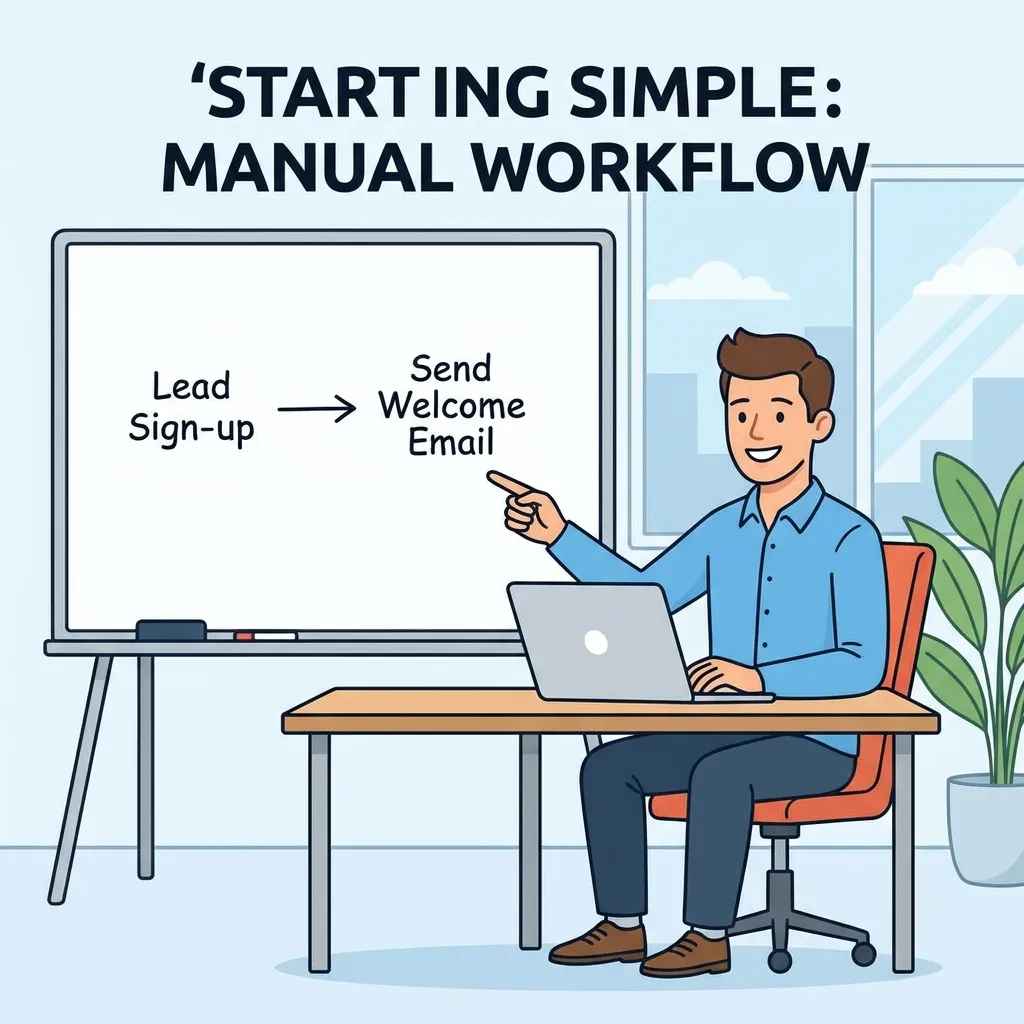
Most businesses don’t need a highly complex marketing automation workflow on day one. It’s usually more effective to start with a single, well-executed workflow — often a welcome series or abandoned cart sequence — and expand from there once the fundamentals are working well.
As a business grows, additional workflows can be layered on top of each other: a lead nurturing sequence feeding into a sales-focused workflow, which then hands off to a post-purchase and retention workflow once a deal closes. Over time, this creates a connected system rather than a collection of disconnected one-off sequences, with each marketing automation workflow serving a specific, well-defined stage of the overall customer journey.
The key to scaling successfully is avoiding overlap and conflicting messaging — a contact shouldn’t be receiving a re-engagement email and a upsell offer from two different workflows on the same day. Clear tagging, careful audience segmentation, and periodic audits of active workflows help keep even a large, complex automation system running smoothly rather than becoming confusing or redundant.
Conclusion
A well-built marketing automation workflow turns scattered, manual follow-up into a consistent, scalable system that works around the clock without requiring constant attention. From welcome series and abandoned cart recovery to lead nurturing and re-engagement, the right marketing automation workflow can dramatically improve both efficiency and results. By starting with a clear goal, mapping the customer journey carefully, and reviewing performance regularly, any business can design a marketing automation workflow that grows more effective over time rather than becoming another neglected, “set it and forget it” system.
Frequently Asked Questions (FAQs)
1. What is a marketing automation workflow?
It is a predefined sequence of automated actions, such as emails or notifications, triggered by specific customer behaviors or conditions.
2. What’s the difference between an automated workflow and a regular email campaign?
A regular campaign is usually sent manually to a list at one time, while an automated sequence continuously responds to individual customer actions.
3. What can trigger an automated marketing sequence?
Common triggers include form submissions, purchases, cart abandonment, page visits, or specific dates such as subscription renewals.
4. How long should an automated workflow be?
There is no fixed length. Some sequences may have only two or three steps, while others can continue for weeks or months depending on the goal and sales cycle.
5. What’s the most valuable type of automation for e-commerce?
Abandoned cart sequences are often highly valuable for e-commerce businesses because they target shoppers who have already shown strong purchase intent.
6. Do small businesses need marketing automation?
Yes. Even simple sequences, such as a welcome series, can save time and improve communication consistency for businesses without dedicated marketing staff.
7. How do I know if my automated sequence is working?
Track metrics such as open rates, click-through rates, conversion rates, and drop-off points at each stage to identify what performs well and what needs improvement.
8. Can automation use SMS in addition to email?
Yes. Many modern platforms support multi-channel campaigns that combine email, SMS, and push notifications within the same customer journey.
9. What’s the biggest mistake businesses make with automation?
Failing to set exit conditions is a common mistake. Without them, customers may continue receiving irrelevant messages even after they have converted.
10. How does AI improve marketing automation?
AI can optimize send times, predict which leads are more likely to convert, and personalize content automatically, making automated campaigns more proactive.
11. How often should automated campaigns be reviewed?
Most businesses should review their performance monthly or quarterly and adjust timing, content, triggers, or messaging based on the available data.
12. What tools are commonly used to build automated marketing sequences?
Many marketing platforms offer visual, drag-and-drop builders that connect with CRMs, e-commerce platforms, website analytics tools, and other business systems.





Comments (5)
Marketing Automation Campaigns: The Complete Guidesays:
September 13, 2026 at 9:56 am[…] might drop off. This journey map becomes the blueprint for your triggers and timing. Reviewing a marketing automation workflow guide can help ensure your journey map translates cleanly into the logic your automation platform […]
AI Marketing Automation: The Complete Guidesays:
September 13, 2026 at 10:17 am[…] well-structured data and existing workflows rather than replacing the basics entirely. Reviewing a marketing automation workflow guide first ensures your underlying triggers and segments are sound before adding predictive layers on […]
Marketing Automation and CRM Integration: The Complete Guidesays:
September 14, 2026 at 8:39 am[…] can trigger an onboarding or advocacy sequence instead of a sales-focused one. Our complete guide to marketing automation workflows walks through building sequences that respond to this kind of real-time […]
Marketing Automation for SaaS: Complete Guidesays:
September 14, 2026 at 9:07 am[…] For broader workflow planning, SaaS marketers can also review this related guide on marketing automation workflows. […]
Marketing Automation Tools: Features, Types & How to Picksays:
September 16, 2026 at 9:07 am[…] criteria, and message timing typically resolves more problems than switching platforms does. Our marketing automation workflow guide covers how to audit and rebuild an underperforming sequence step by […]